Interior planners
Start with a room photo and request a calmer palette, different materials, or a new furnishing style.
Compare design directions without rebuilding the scene from scratch.
ai image generator from textReference image workflow
Turn a reference photo into a fresh visual direction while keeping the parts that matter. Upload an image, describe the change you want, and use the generated result as a focused starting point.
Choose your route
Different starting points suit different goals. Use a reference when composition matters, or begin with words when the visual direction is still open.
Start with a room photo and request a calmer palette, different materials, or a new furnishing style.
Compare design directions without rebuilding the scene from scratch.
ai image generator from textProvide a rough product shot and ask for a cleaner studio setting, seasonal styling, or campaign-ready variations.
Keep the product recognizable while exploring presentation options.
How to take a picture and turn it into an AI image?Use a portrait as the visual anchor, then specify lighting, wardrobe mood, background, or an illustrated treatment.
Preserve the subject's broad identity while testing new artistic directions.
text-based image generationFeed in an existing campaign image and request alternate crops, color treatments, or a setting that fits a new post.
Create coordinated concepts faster than starting every variation from a blank canvas.
turn a picture into an AI imageA/B comparison
A reference-led workflow preserves visual information from the source, while a text-led workflow gives you a cleaner blank canvas.
Starting point
Reference-led conversion
An uploaded image plus an instruction
Text-led generation
A written description
Composition
Reference-led conversion
Can preserve the source framing and major layout
Text-led generation
Created from the prompt and model interpretation
Subject continuity
Reference-led conversion
Better suited to keeping a person, object, or room recognizable
Text-led generation
May invent a different subject
Creative control
Reference-led conversion
Balances preservation with requested changes
Text-led generation
Offers broader invention from scratch
Best for
Reference-led conversion
Restyling, variations, edits, and visual exploration
Text-led generation
New concepts without a reference
Main risk
Reference-led conversion
Unwanted source details may remain
Text-led generation
Important visual relationships may be lost
Prompt focus
Reference-led conversion
Describe what should change and what must stay
Text-led generation
Describe the full scene, style, and composition
See the shift
The strongest results make the requested change visible without losing the useful structure of the original. Treat the pair as a direction check, not a promise of pixel-perfect editing.
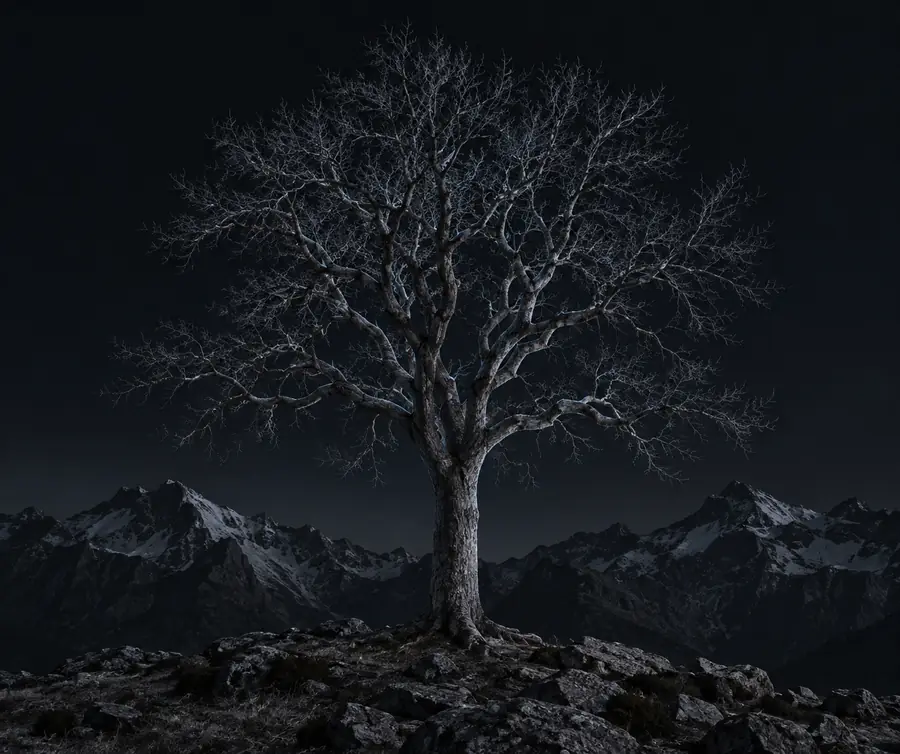 Reference
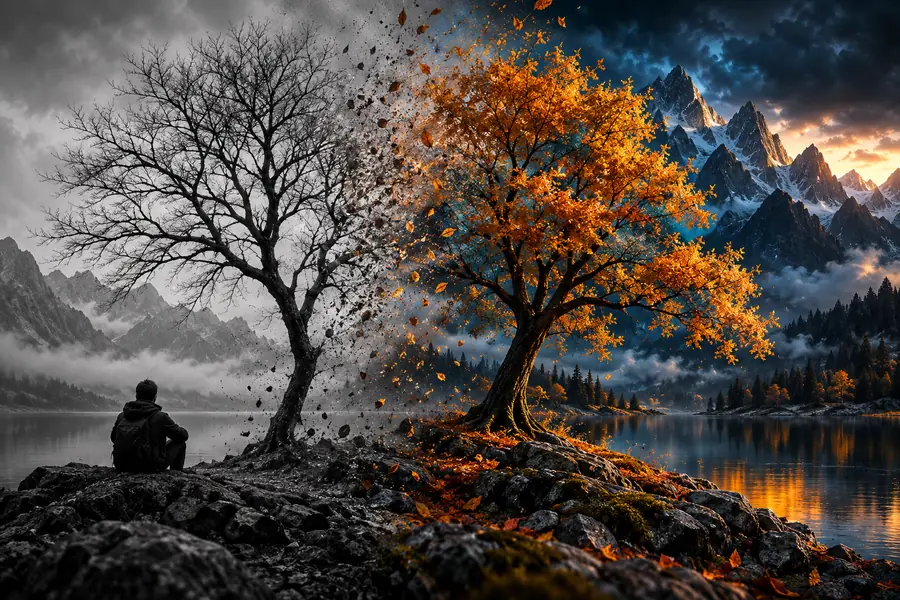 Generated result
Simple process
A quick review catches most weak conversions before you use the result in a presentation, post, or design draft.
Confirm that the main person, object, room, or product is still recognizable and that important proportions were not altered.
Look for the specific edit you described, such as a new material, background, mood, lighting setup, or illustration style.
Inspect hands, text, logos, edges, reflections, and repeated patterns at the intended output size before sharing.
Honest caveats
Reference-led generation is useful for direction and variation, but it is not the same as precise layer editing or a guaranteed design handoff.
Small features such as lettering, logos, jewelry, fingers, and fine textures can change during generation.
Workaround
Use the result as a concept, then correct critical details in an image editor.
A request to keep a layout or object shape may still produce shifts in perspective, scale, or alignment.
Workaround
Use clear preservation instructions and compare the result against the source.
Words such as modern, better, or cinematic leave too much room for interpretation.
Workaround
Name the subject, the exact change, the elements to preserve, and the intended mood.
A generated variation can still resemble a supplied brand asset, person, or protected artwork.
Workaround
Confirm that you have permission to use the source and review the final image before publishing.
Common questions
Answers for people comparing reference-led generation with starting from a blank prompt.
It uses an existing image as visual guidance for a new generated result. You describe the transformation, and the system interprets which parts to preserve, restyle, or replace.
Yes, style changes are a common use case, including editorial, watercolor, cinematic, minimalist, or illustrated treatments. Results can still alter small source details, so review the output carefully.
Not necessarily. The workflow can retain broad composition or subject identity, but it may change proportions, textures, text, facial details, and other fine elements.
State what the image shows, what should change, and what must remain unchanged. Specific instructions such as keeping the room layout while replacing materials are usually clearer than broad adjectives.
It is better when you already have a useful composition, subject, or reference style. Text-led generation is usually more flexible when you want an entirely new scene without source constraints.