Concept designer
Turn a rough product or campaign idea into a visual direction before production begins.
A fast reference image for moodboards, reviews, and early decisions.
ai image generator from imageText to image
Describe a subject, mood, setting, or visual style and turn your idea into an image. Hidream helps you move from a written concept to a useful visual starting point without complicated setup.
Input comparison
Text prompting is the most direct way to guide image creation: you provide the idea, while the model interprets composition, lighting, style, and detail.
Starting material
Text prompt
A written description of the desired scene
Reference image
An existing image used as visual guidance
Best for
Text prompt
New concepts, scenes, characters, and styles
Reference image
Variations, edits, restyling, and visual continuity
Creative control
Text prompt
Controlled through words, structure, and emphasis
Reference image
Controlled through the source image and instructions
Originality
Text prompt
Can begin from an entirely new idea
Reference image
Usually remains connected to the source composition
Useful prompt detail
Text prompt
Subject, action, setting, lighting, mood, and style
Reference image
Requested changes, preserved elements, and target style
Typical outcome
Text prompt
A fresh image built from the description
Reference image
A transformed or related version of the supplied image
Ideal first step
Text prompt
Write the main subject and visual goal
Reference image
Choose a clear source image with useful framing
Prompt transformation
The system does not simply illustrate every word literally. It weighs the relationships in your description, then synthesizes a scene that matches the strongest visual signals.
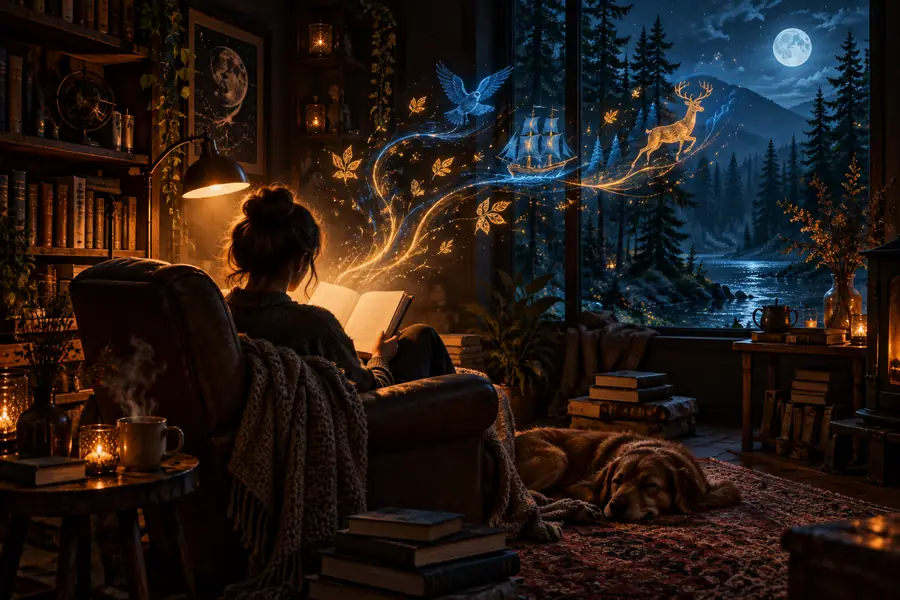 Prompt idea
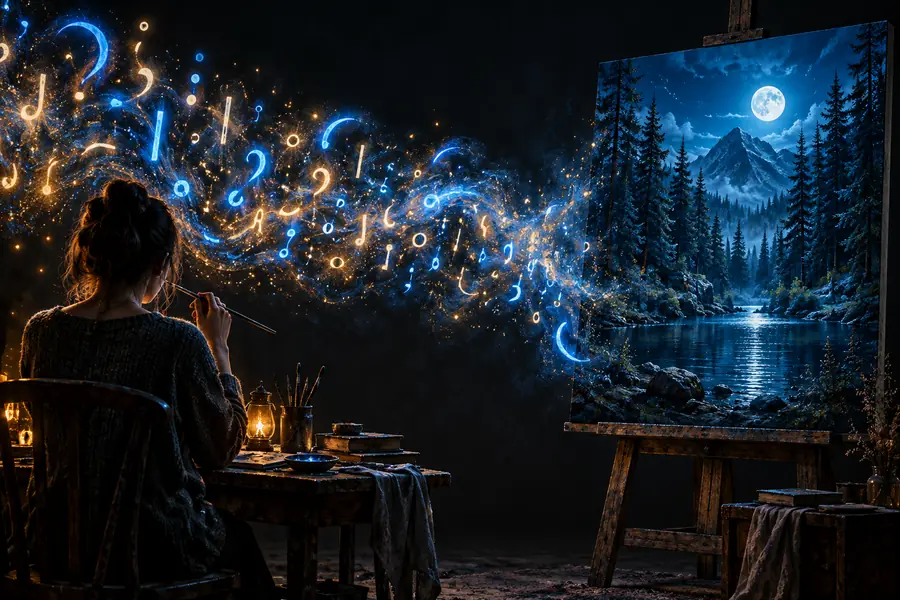 Image result
Useful starting points
Try different levels of detail. Start with the subject and setting, then add the visual choices that matter most to the result.
Turn a rough product or campaign idea into a visual direction before production begins.
A fast reference image for moodboards, reviews, and early decisions.
ai image generator from imageDescribe a character, location, or pivotal scene from a story in natural language.
A visual aid that makes atmosphere, costume, and setting easier to explore.
How to take a picture and turn it into an AI image?Combine room dimensions, materials, lighting, and mood in one visual brief.
A reference concept for comparing layouts, finishes, and decorative directions.
ai image generator from imageBuild a distinctive post image from a theme, subject, color palette, and format request.
A ready-to-refine visual concept that fits the intended message and audience.
How to take a picture and turn it into an AI image?How the format evolved
Text-to-image workflows grew from research experiments into accessible creative tools. Each step made the connection between language and visual output easier to use.
Generative adversarial networks showed that software could learn visual patterns and synthesize new images from learned distributions.
Diffusion research established a powerful approach for generating detailed images by progressively denoising visual data.
Public image tools made written prompts a practical interface for exploring subjects, styles, compositions, and moods.
Users began organizing prompts around subject, action, setting, camera language, lighting, and style to achieve more repeatable results.
Text-to-image became useful for ideation, social content, presentation concepts, story development, and visual experimentation.
Prompt metrics
Use these simple checkpoints to make a first prompt more actionable without turning it into a rigid formula.
Common questions
These answers focus on using written descriptions to guide an image-generation workflow.
You can describe scenes, objects, portraits, environments, product concepts, illustrations, and many other visual ideas. Include the subject, setting, mood, lighting, and style when those details matter to the result.
Begin with one clear subject and a simple visual goal, then add only the details you want to control. If the result feels too general, refine the setting, composition, color, or lighting instead of rewriting everything.
Yes. A plain-language description is a useful starting point, especially when it clearly explains what should appear and how it should feel. Structured phrases can help, but they are not required for every image.
Image models interpret language probabilistically, so ambiguous wording or competing instructions can change the result. Make the subject and most important visual relationship explicit, then generate another version with fewer conflicting details.
Identify the biggest mismatch first, such as the pose, setting, camera view, or mood. Keep the successful parts of the prompt and change one or two specific instructions so you can see what improved the output.