It may misread complex prompts
Long instructions, nested relationships, and ambiguous wording can cause missing objects or incorrect placement.
Workaround
Separate the subject, scene, composition, and style into short, concrete phrases.
Plain-language guide
An ai image generator is software that turns a written description into a visual. A free version lets you explore that process without an initial payment, making it useful for ideas, drafts, learning, and everyday creative work.
The basic process
The tool interprets language, predicts visual relationships, and builds an image through repeated refinement. You guide the result by making the prompt more specific or changing the requested style.
Describe the subject, setting, mood, composition, lighting, and preferred style in ordinary language. Specific details give the ai image generator clearer direction.
The model connects words with learned visual patterns, separating key elements such as objects, colors, spatial relationships, and artistic treatment.
The system generates a draft, then adjusts pixels and details until the image matches the prompt as closely as its model and settings allow.
Inspect the result for composition, readable text, hands, faces, and other details. A shorter revision prompt can often improve the next version.
Continue exploring
Different pages focus on the format, access method, or creative task that matters most to you.
Set realistic expectations
An ai image generator is powerful for visual exploration, but it is not a perfect replacement for judgment, editing, or specialist knowledge.
Long instructions, nested relationships, and ambiguous wording can cause missing objects or incorrect placement.
Workaround
Separate the subject, scene, composition, and style into short, concrete phrases.
Signs, labels, logos, and long passages may appear with misspellings or distorted letterforms.
Workaround
Create the visual first, then add important wording in an image editor or design application.
A generated picture can look convincing while showing incorrect anatomy, architecture, products, or historical details.
Workaround
Treat outputs as drafts and verify anything used for education, journalism, instructions, or public claims.
A free ai image generator may change speed, resolution, available styles, or usage limits over time.
Workaround
Save useful prompts locally and check the tool's current conditions before planning a large batch.
Who benefits
The value is not limited to professional artists. Anyone who needs a quick visual starting point can use an ai image generator to explore possibilities before committing time or budget.
From words to visuals
The first frame represents a rough verbal brief; the second shows the kind of visual direction an ai image generator can produce from it. Results vary with the wording, model, and requested style.
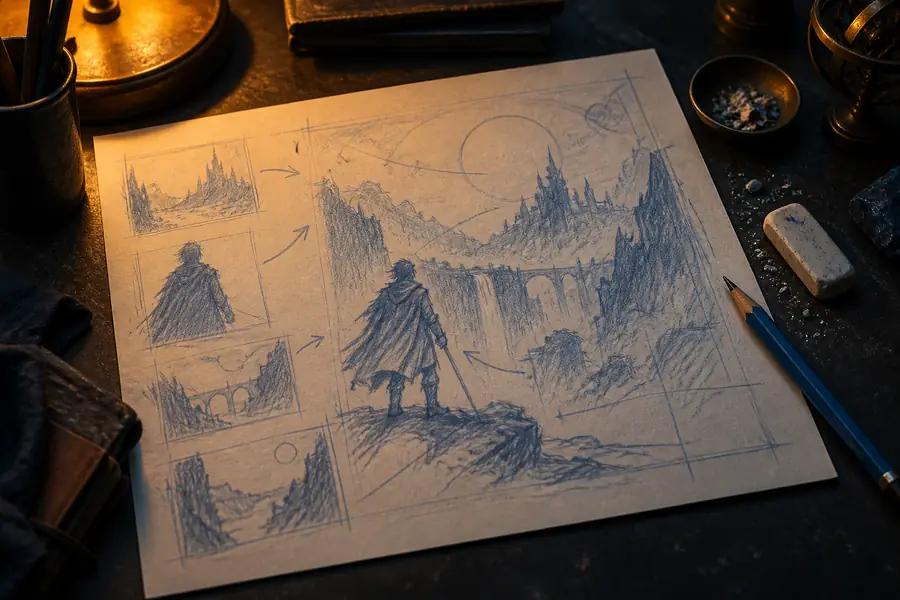 Starting concept
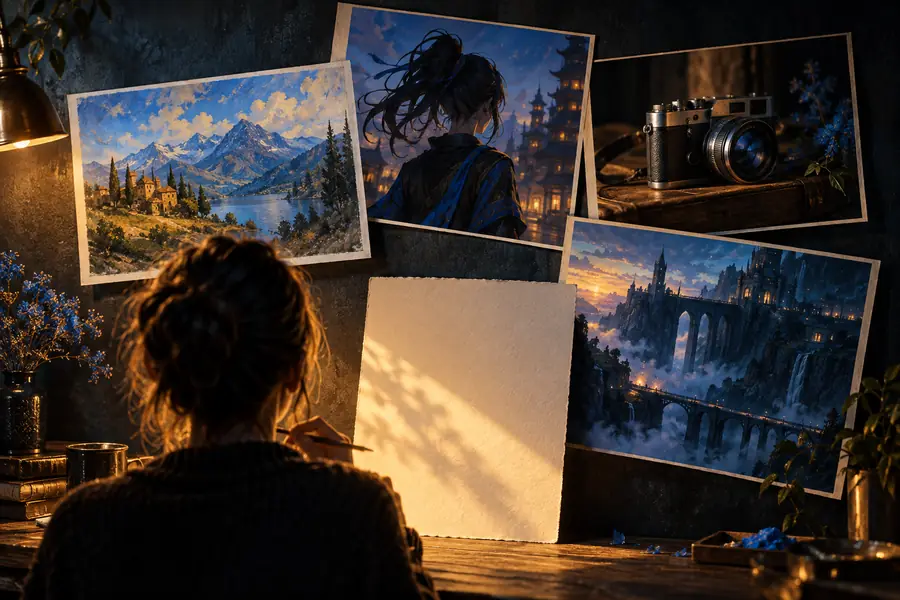 Generated result
A changing medium
The current workflow comes from several stages of progress in computer vision, language modeling, and creative software.
GAN research showed that neural networks could learn to produce new images that resembled examples in their training data.
Transformer architectures made it easier for models to connect words and context, a foundation for later text-to-image systems.
New diffusion-based methods demonstrated that written descriptions could guide the creation of detailed images.
Text prompts became a familiar creative interface, allowing more people to experiment without specialized rendering software.
People now combine prompting, variation, editing, and verification rather than treating one generated image as a finished answer.
Common questions
These answers address the basic meaning behind the search for a free ai image generator and the decisions beginners usually face first.
It is a tool that creates images from written descriptions and can be used without an initial payment. The word free usually describes access, not a promise of unlimited speed, resolution, features, or usage.
It analyzes the words in a prompt and uses learned visual patterns to construct an image that fits the description. The system typically refines the result through many small steps before showing the final output.
You can create concept art, illustrations, mood boards, poster ideas, room concepts, character studies, and other visual drafts. The quality depends on the prompt, the selected model, and how carefully you review the result.
It can be useful for brainstorming, mockups, and early-stage visual development. For commercial or public-facing work, check usage terms and review the image for factual errors, unwanted artifacts, rights concerns, and brand requirements.